How to Prepare a VPS for a Symfony Application with Apache, PHP-FPM and MySQL
A practical guide to preparing an Ubuntu VPS to run a Symfony application in production using Apache, PHP-FPM, MySQL, Composer and HTTPS.
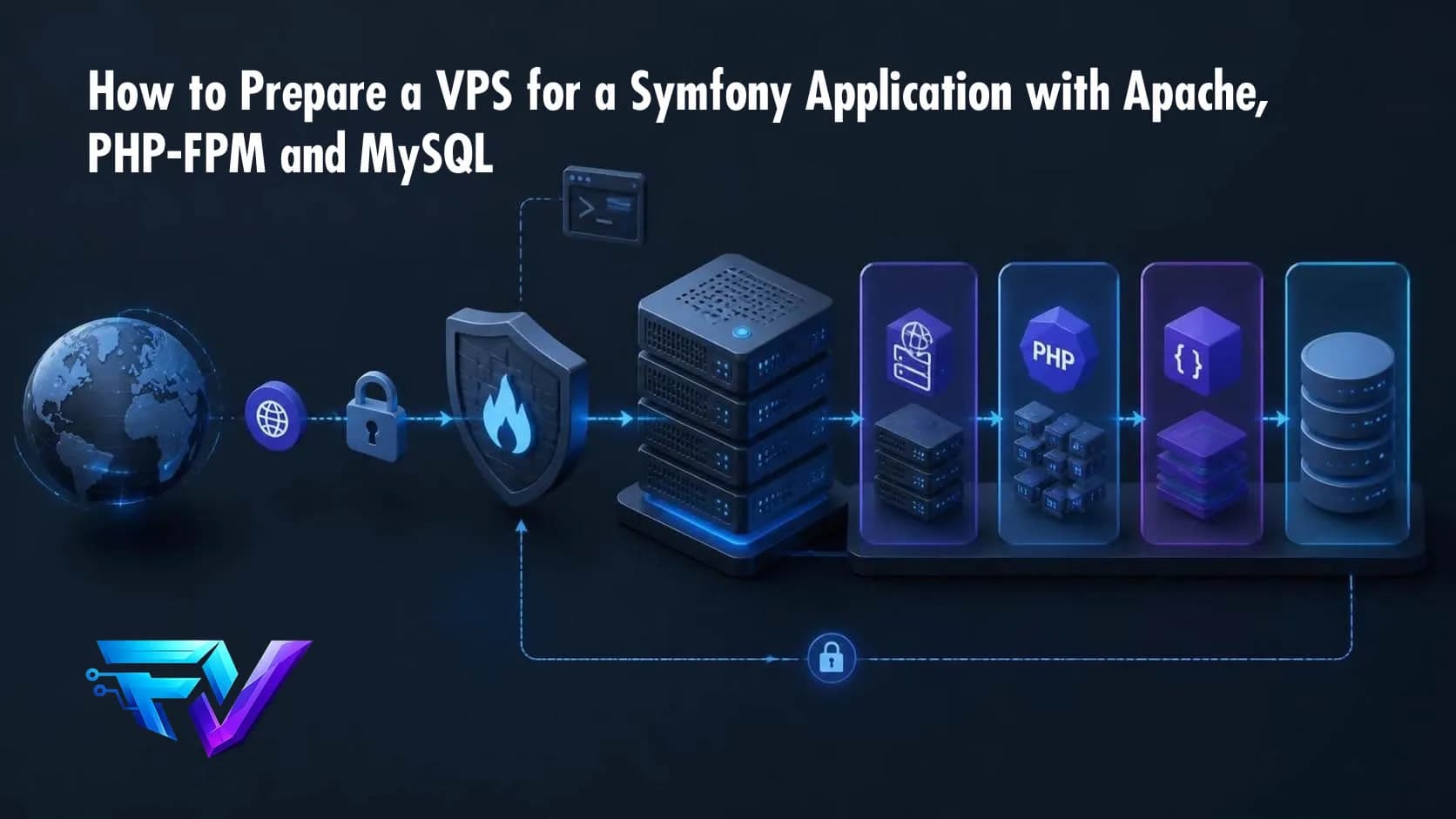
Deploying a Symfony application to a VPS does not start with git clone.
Before the application reaches production, the server needs to be prepared: the operating system must be updated, secure access configured, Apache and PHP-FPM installed, MySQL prepared, permissions configured, the domain connected, and HTTPS enabled.
In this article, we will start with an almost empty Ubuntu VPS and turn it into a server capable of running a Symfony application in production.
The goal is not to build an extremely sophisticated infrastructure, but to establish a secure, predictable and maintainable foundation.
The commands in this article use Ubuntu 24.04 as a reference. Adjust the PHP version, extensions and paths according to your application’s
composer.json.
The architecture
The resulting architecture will look roughly like this:
Internet
   │
   ▼
Cloudflare / DNS
   │
   ▼
Apache
   │
   ▼
PHP-FPM
   │
   ▼
Symfony
   │
   ▼
MySQL
Apache receives HTTP/HTTPS requests and serves the public files of the application.
PHP-FPM executes PHP.
Symfony stays outside the public web root, with only the public/ directory exposed by Apache.
MySQL remains locally accessible on the server, without exposing port 3306 to the Internet.
1. Start with VPS security
A new VPS should be secured before deploying the application.
First, update the system:
sudo apt update
sudo apt upgrade -y
Install a few basic packages:
sudo apt install -y \
    curl \
    wget \
    git \
    unzip \
    zip \
    ca-certificates \
    software-properties-common
Avoid working as root permanently
Create a dedicated user:
sudo adduser deployAdd it to the sudo group:
sudo usermod -aG sudo deployFrom this point on, prefer using the deploy user for application-related operations.
Configure SSH key authentication
On your local machine:
ssh-keygen -t ed25519Copy the public key:
ssh-copy-id deploy@SERVER_IPTest the connection:
ssh deploy@SERVER_IPOnly after confirming key-based authentication should you consider disabling SSH password authentication.
Also avoid exposing unnecessary services to the public Internet.
2. Configure the firewall
Ubuntu’s ufw provides a simple firewall layer.
Install it:
sudo apt install -y ufwAllow SSH:
sudo ufw allow OpenSSHAllow HTTP:
sudo ufw allow 80/tcpAllow HTTPS:
sudo ufw allow 443/tcpEnable it:
sudo ufw enableCheck the rules:
sudo ufw statusFor a traditional Apache + MySQL setup, there is normally no reason to expose MySQL port 3306 to the Internet.
3. Install Apache
Install Apache:
sudo apt install -y apache2Check the service:
sudo systemctl status apache2Enable it at boot:
sudo systemctl enable apache2
sudo systemctl start apache2
Enable the modules commonly required by Symfony:
sudo a2enmod rewrite
sudo a2enmod proxy_fcgi
sudo a2enmod setenvif
sudo a2enmod headers
sudo a2enmod ssl
Restart Apache:
sudo systemctl restart apache2At this point, opening the server IP in a browser should display the default Apache page.
4. Install PHP and PHP-FPM
Symfony needs PHP plus the extensions required by the application.
For example, with PHP 8.3:
sudo apt install -y \
    php8.3 \
    php8.3-fpm \
    php8.3-cli \
    php8.3-common \
    php8.3-mysql \
    php8.3-intl \
    php8.3-mbstring \
    php8.3-xml \
    php8.3-curl \
    php8.3-zip \
    php8.3-opcache \
    php8.3-bcmath
Check PHP:
php -vCheck PHP-FPM:
sudo systemctl status php8.3-fpmEnable its Apache configuration:
sudo a2enconf php8.3-fpmRestart Apache:
sudo systemctl restart apache2Do not install extensions blindly
Check the project’s composer.json:
cat composer.jsonLook for requirements such as:
"require": {
    "php": "...",
    "ext-intl": "*",
    "ext-pdo": "*",
    "ext-xml": "*"
}
The production server should satisfy the same runtime requirements as the application.
5. Install Composer
Composer installs the PHP dependencies.
After installation:
composer --versionA key production practice is to deploy the exact versions recorded in composer.lock.
Use:
composer install --no-dev --prefer-dist --optimize-autoloaderAvoid running:
composer updateas part of a normal production deployment.
composer update can change dependency versions. Production deployments should normally reproduce the versions already defined by the project.
6. Install MySQL
Install MySQL:
sudo apt install -y mysql-serverCheck the service:
sudo systemctl status mysqlEnable it:
sudo systemctl enable mysqlThen run the security configuration:
sudo mysql_secure_installationThe available options can vary depending on the installed version.
7. Create the database
Open MySQL:
sudo mysqlCreate the database:
CREATE DATABASE my_application
    CHARACTER SET utf8mb4
    COLLATE utf8mb4_unicode_ci;
Create a dedicated database user:
CREATE USER 'my_application'@'localhost'
IDENTIFIED BY 'A_STRONG_PASSWORD';
Grant access only to that database:
GRANT ALL PRIVILEGES
ON my_application.*
TO 'my_application'@'localhost';
Apply the changes:
FLUSH PRIVILEGES;Exit:
EXIT;The application should not use the MySQL root account.
Separating the application account limits the impact of a potential application compromise.
8. Create the application structure
A simple directory layout is:
/var/www/
└── my-application/
    ├── bin/
    ├── config/
    ├── migrations/
    ├── public/
    ├── src/
    ├── templates/
    ├── var/
    ├── vendor/
    └── composer.json
Create the directory:
sudo mkdir -p /var/www/my-applicationSet the owner:
sudo chown -R deploy:www-data /var/www/my-applicationThe goal is to allow the deployment user to manage the application while PHP-FPM, running as www-data, gets access only where necessary.
9. Deploy the code
Enter the application directory:
cd /var/www/my-applicationClone the project:
git clone https://github.com/user/project.git .Or use whatever deployment mechanism your team has chosen.
Then install dependencies:
composer install \
    --no-dev \
    --prefer-dist \
    --optimize-autoloader
10. Configure environment variables
A Symfony application should not keep production credentials directly in the source code.
Production configuration can be provided through environment variables or a protected local configuration file that is not committed to Git.
For example:
APP_ENV=prod
APP_DEBUG=0
APP_SECRET=your-secret-key
DATABASE_URL="mysql://my_application:[email protected]:3306/my_application?serverVersion=8.0"
Sensitive configuration must remain protected and should not be committed to the repository.
Before deploying:
git statusMake sure secret files are not being tracked.
11. Configure Symfony permissions
Symfony mainly needs write access to:
var/cache/
var/log/
A simple approach is:
sudo chown -R deploy:www-data /var/www/my-applicationThen:
sudo chmod -R ug+rwX /var/www/my-application/varThe important principle is to grant only the permissions required by the application.
Avoid:
chmod -R 777 /var/www/my-applicationCommands like this often hide permission problems while unnecessarily increasing the attack surface.
12. Configure Apache
The most important Apache setting is the document root.
It should point to:
/var/www/my-application/publicnot:
/var/www/my-applicationCreate a VirtualHost:
sudo nano /etc/apache2/sites-available/my-application.confExample:
<VirtualHost *:80>
    ServerName example.com
    ServerAlias www.example.com

    DocumentRoot /var/www/my-application/public

    <Directory /var/www/my-application/public>
        AllowOverride All
        Require all granted
        Options FollowSymLinks
    </Directory>

    ErrorLog ${APACHE_LOG_DIR}/my-application-error.log
    CustomLog ${APACHE_LOG_DIR}/my-application-access.log combined
</VirtualHost>
Enable the site:
sudo a2ensite my-application.confDisable the default site:
sudo a2dissite 000-default.confCheck the configuration:
sudo apachectl configtestExpected:
Syntax OKReload Apache:
sudo systemctl reload apache213. Why should DocumentRoot point to public/?
This is one of the most important Symfony deployment details.
The:
public/directory is the public boundary of the application.
Files such as:
.env
composer.json
composer.lock
config/
src/
var/
should not be directly accessible from the web.
A request such as:
https://example.com/should reach:
public/index.phpSymfony then handles the request from there.
This separation also reduces the risk of accidentally exposing internal project files.
14. Configure DNS
Point the domain to the VPS public IP.
For example:
A
example.com
203.0.113.10
And, if needed:
A
www.example.com
203.0.113.10
Check DNS resolution:
dig example.comor:
nslookup example.comThe domain should resolve to the correct server.
15. Enable HTTPS
For a public application, HTTPS should be part of the initial deployment.
Install Certbot:
sudo apt install -y certbot python3-certbot-apacheRun:
sudo certbot --apache -d example.com -d www.example.comCheck Apache:
sudo apachectl configtestCheck automatic renewal:
sudo systemctl status certbot.timer16. Run Symfony production tasks
With the code and environment configured:
cd /var/www/my-applicationClear and warm the production cache:
APP_ENV=prod php bin/console cache:clearRun database migrations when applicable:
php bin/console doctrine:migrations:migrate --no-interactionInspect the environment:
php bin/console aboutThe application should explicitly run in production:
APP_ENV=prod
APP_DEBUG=0
17. Test each layer independently
Before blaming Apache, test each component separately.
PHP:
php -vPHP-FPM:
sudo systemctl status php8.3-fpmMySQL:
sudo systemctl status mysqlApache:
sudo systemctl status apache2Listening ports:
sudo ss -lntpVirtualHosts:
sudo apachectl -SApache logs:
sudo tail -f /var/log/apache2/my-application-error.logand:
sudo tail -f /var/log/apache2/my-application-access.logSymfony logs:
tail -f var/log/prod.logwhen the application uses the standard production log file.
18. VPS Symfony checklist
Before considering the server ready:
[ ] Operating system updated
[ ] Dedicated deploy user created
[ ] SSH key authentication working
[ ] Root SSH access reviewed
[ ] Firewall configured
[ ] Only required ports exposed
[ ] Apache installed
[ ] PHP installed
[ ] PHP-FPM running
[ ] Required PHP extensions installed
[ ] Composer installed
[ ] MySQL installed
[ ] Database created
[ ] Dedicated database user created
[ ] Port 3306 not publicly exposed
[ ] Application code deployed
[ ] composer.lock used during deployment
[ ] Environment variables configured
[ ] public/ configured as DocumentRoot
[ ] var/ permissions configured
[ ] VirtualHost configured
[ ] DNS configured
[ ] HTTPS enabled
[ ] APP_ENV=prod
[ ] APP_DEBUG=0
[ ] Database migrations executed
[ ] Production cache warmed
[ ] Logs working
[ ] Database backups configured
19. Backups are part of the infrastructure
A working application does not mean that the data is protected.
At minimum, an application with important data should have automated MySQL backups.
For example:
mysqldump \
    -u my_application \
    -p \
    my_application \
    > backup.sql
But a backup stored only on the same VPS is not enough.
A more resilient strategy looks like:
VPS
 │
 ├── Production database
 │
 └── Local backup
       │
       ▼
   External storage
Backups should also be restored periodically to verify that they actually work.
A backup that has never been restored is only an assumption.
20. What about future deployments?
Once the server is working, we should not manually repeat every setup step.
A basic deployment flow could be:
git pull
composer install --no-dev --prefer-dist --optimize-autoloader
php bin/console doctrine:migrations:migrate --no-interaction
php bin/console cache:clear
For small applications, that may be enough.
As the application grows, the workflow can evolve into:
Git
 │
 ▼
CI/CD
 │
 ▼
Build
 │
 ▼
Deploy
 │
 ├── composer install
 ├── migrations
 ├── cache
 └── restart workers
For critical applications, versioned releases, rollback, staging environments and zero-downtime deployment strategies can also be introduced.
The important point is that server configuration and application deployment are separate concerns.
Conclusion
Preparing a VPS for Symfony is more than installing Apache, PHP and MySQL.
A production-ready foundation needs at least four layers:
Security
    ↓
Operating system
    ↓
Application runtime
    ↓
Deployment and operations
Apache needs to know exactly what is public.
PHP-FPM needs to run the application with the required extensions.
MySQL needs to be protected and accessible only to the components that require it.
And deployment needs to be reproducible.
Once this foundation is in place, deploying new Symfony versions becomes less about manually typing commands on a server and more about following a predictable process.